시스템 환경
- macOS Ventura 13.0.1
가상 머신 설치

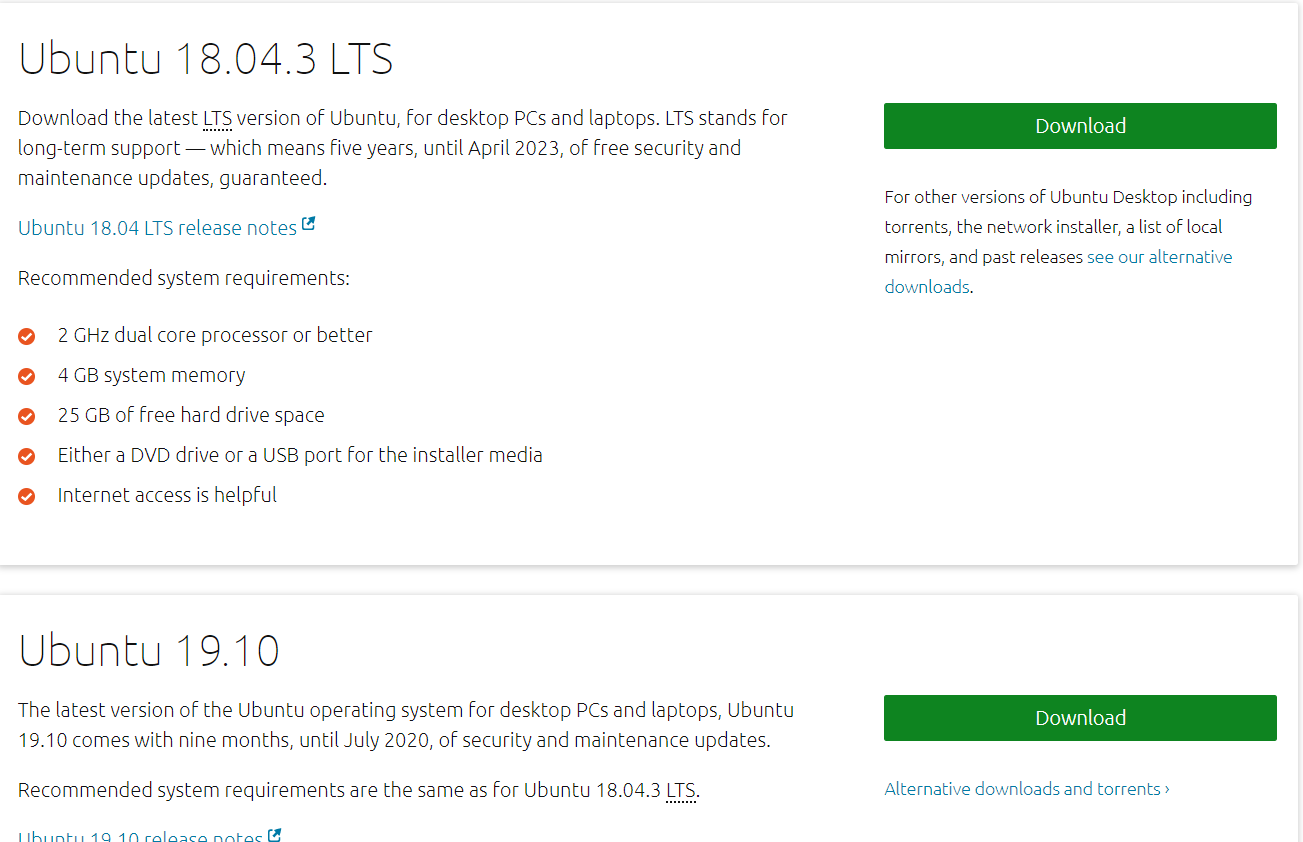
Ubuntu 운영체제 설치


가상 머신에 Ubuntu 설치하기
Step-By-Step Procedure To Install Ubuntu Linux On VMWare Workstation
개발 환경 설정
sudo apt update && apt full-upgrade -y  # 시스템 업데이트
sudo apt install build-essential -y     # 컴파일 도구 설치
sudo apt install vim -y                 # vim 편집기 설치
간단한 테스트
gcc --version
# 출력
gcc (Ubuntu 12.2.0-3ubuntu1) 12.2.0
Copyright (C) 2022 Free Software Foundation, Inc.
This is free software; see the source for copying conditions.  There is NO
warranty; not even for MERCHANTABILITY or FITNESS FOR A PARTICULAR PURPOSE.
vim hello.c
#include<stdio.h>

int main(void){
  printf("hello word! \n");
  return 0;
}
# ESC를 누르고 :wq를 입력하여 저장 후 종료
gcc -Wall hello.c -o hello
./hello

# 출력
hello word!
VS Code


sudo dpkg -i code*
참고: Snap 버전의 VS Code에서는 한글 입력이 정상적으로 되지 않습니다.